 Hig
hest priority
Hig
hest priorityThere are five priority levels available, each represented by a small icon. Priorities range from 1 (highest) to 5 (lowest). Priority 3 is assumed for messages that have no assigned priorities, and it is not displayed.
Hig
hest priority High priority
 Low priority
  Lowest priority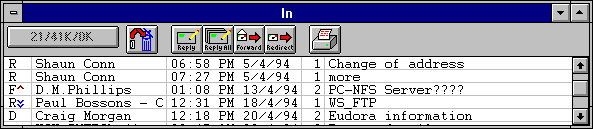
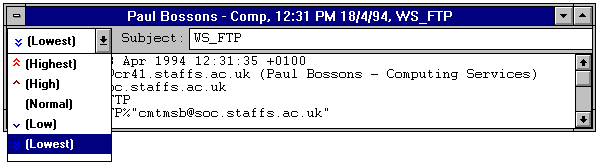
To change the priority of a message, open the message and choose the desired priority from the Priority combo box on the icon bar. The selected priority icon is then displayed in the combo box.
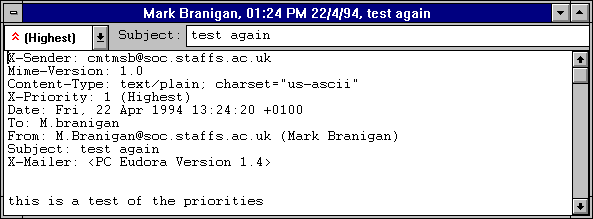
You can also change the priority of the current message(s) by holding down the [CTRL] key and pressing a number key from 1 to 5 (1 = Highest, 5 = Lowest).
Note: All new messages are created with Normal priority, even replies to messages whose priority you have changed. The exception to this is that, if the sender of a message gives it a priority other than normal, Eudora insists on giving your reply the same priority. This occurs e ven if you reassign the priority of the sender's message after you have received it. You can, however, change the priority of your response by re-assigning it manually.