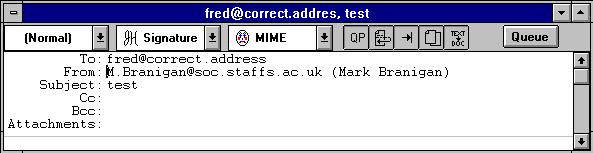
The message sent back from the mail system usually includes cryptic in formation that may allow you to determine the reason for the message being rejected. It also includes the text of the original message.
If you choose to resend the message, Eudora deletes the error messages and added text and recovers the original message so that you can make any corrections. To do this for the current message, select Send Again from the Message menu. This eliminates the inserted extra text and reformats the message as it originally appeared. You can then make changes or additions and resend the message, if desired.