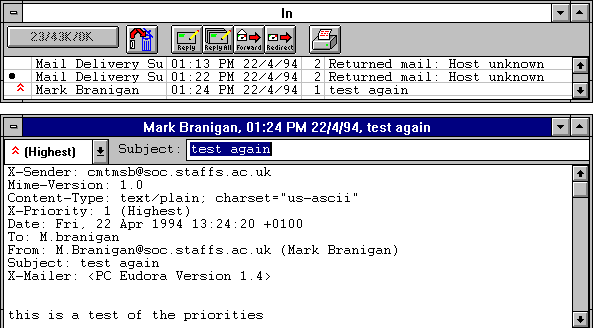
Note: The subjects of outgoing messages (messages sen t by you) cannot be edited.
To edit the subject of an incoming message, open it from its mailbox window. Notice that the subject is displayed below the title bar and above the message. You can edit this text as you would any other text. When edit ing is complete, close the message. The new subject is displayed in the message summary. The contents of the Subject: field of the message header remain unchanged.
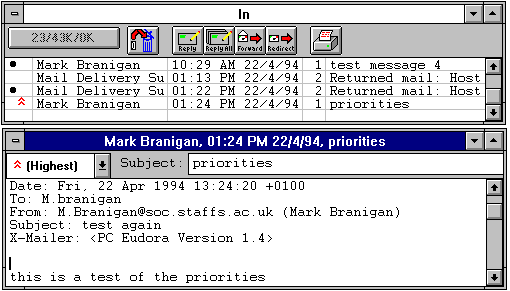
Note: If you reply to t he message, the original subject is used for the reply, not your changed subject. This gives you the freedom to put information useful to you into the summary, without fear of your private notes being revealed to your correspondents.