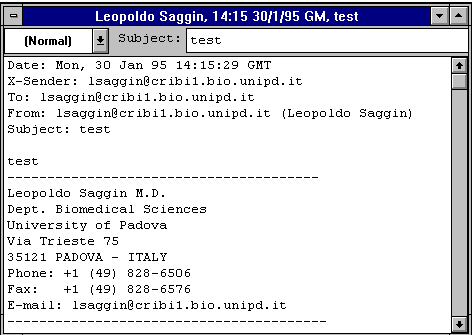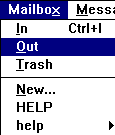
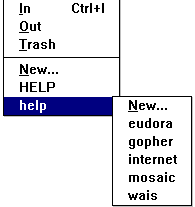
To o pen a "nested" mailbox (one that is contained within a mail folder), select the outermost folder from the Mailbox menu (folders are designated by an arrow next to their names). This displays the submenu of mailboxes and/or folders within the outer folder. Select the desired mailbox (or continue selecting subfolders until the mailbox can be selected).
If any messages are stored in the mailbox, they are listed as individual message summaries. A message summary usually consists of the message Status and Priority, the Sender/Recipient of the message, the Date/Time it was received, its Size and the Subject heading. See the "Anatomy of a Mailbox Window" section for descriptions of these fields.
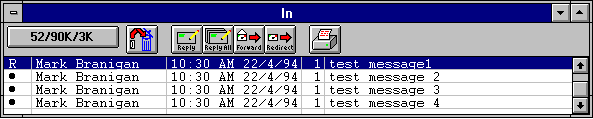
To open a message, double-click on its message summary, or, if the message summary is current (highlighted), press the [ENTER] key.